
Flying Island
Create a flying island city scene. An AI photo template in your browser.
Opening your studio…
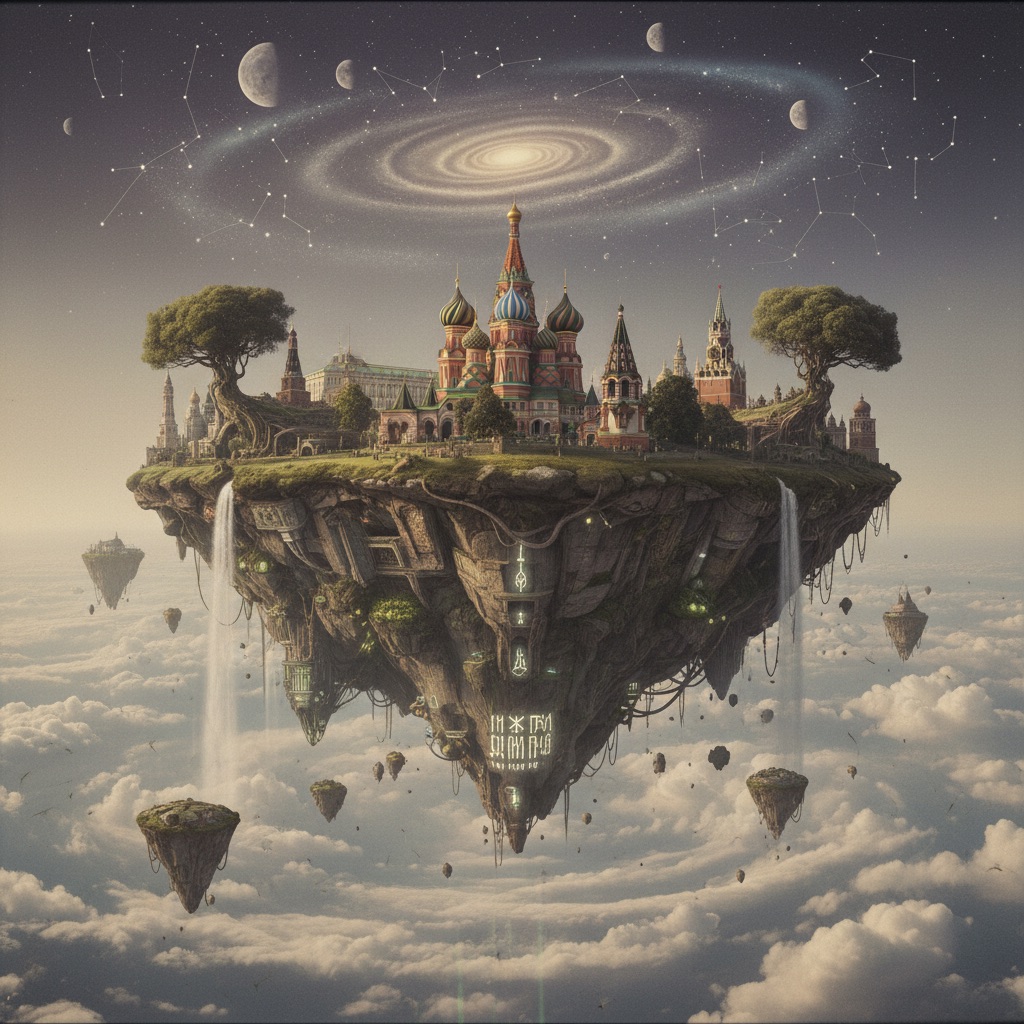
Flying Island: AI photo template
Create a surreal image of a city floating on a flying island in the sky. Use a 35mm photography style.
How to make it
- Open the Flying Island template in Omni Banana and add up to 4 photos.
- Keep the ready-made prompt, or change it to say what you want.
- Choose a model, such as Nano Banana 2, Nano Banana Pro or GPT Image 2.5, and press Generate.
Style
- Landscape
- Customizable
- Artistic
The prompt
Create a surreal image of a city floating on a flying island in the sky. Use a 35mm photography style. 8k, cinematic lighting, surreal art.
More templates
- Anime Stickers: Create anime character sticker pack
- Popup Book: Create 3d papercraft pop-up book
- Hand-drawn: Create a hand-drawn style infographic card in vertical 9:16 ratio
- Mini MD: Create minimalist 3d illustration (markdown format)
- Pastel ADS: Create pastel power 3d ads
- Hand-drawn Card: Create a hand-drawn style infographic card in a 9:16 vertical format
- Fantasy Cartoon: Create fantasy cartoon illustration
- JP Panel: Create japanese-style two-panel manga (angry girl president)