
Glass Effect
Create glass retexturing. An AI photo template in your browser.
Opening your studio…
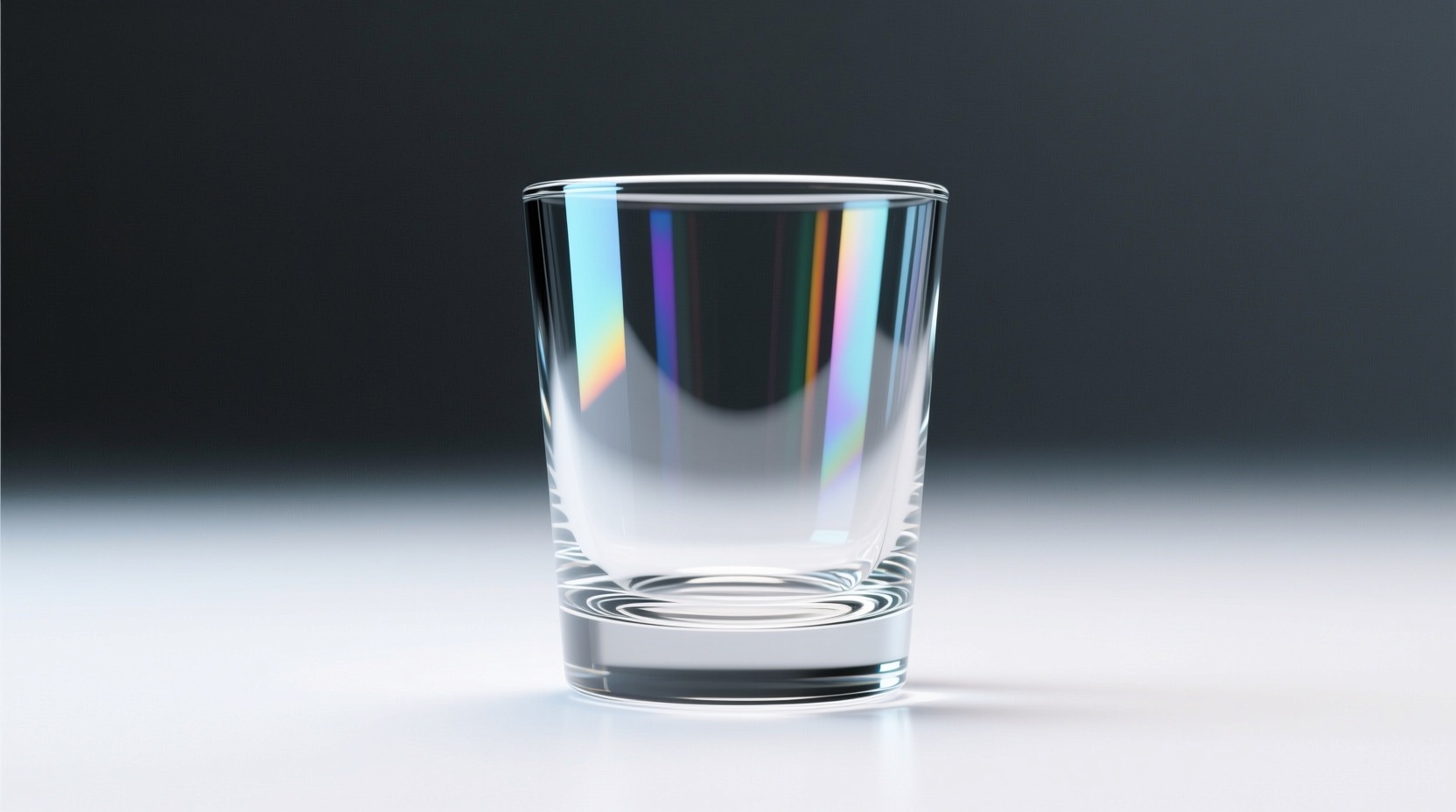
Glass Effect: AI photo template
retexture the image attached based on the json below: { "style": "photorealistic", "material": "glass", "background": "plain white", "object_position": "centered", "lighting": "soft, diffus...
How to make it
- Open the Glass Effect template in Omni Banana and add up to 4 photos.
- Keep the ready-made prompt, or change it to say what you want.
- Choose a model, such as Nano Banana 2, Nano Banana Pro or GPT Image 2.5, and press Generate.
Style
- Photorealistic
- Typography
- Customizable
The prompt
retexture the image attached based on the json below: { "style": "photorealistic", "material": "glass", "background": "plain white", "object_position": "centered", "lighting": "soft, diffused studio lighting", "camera_angle": "eye-level, straight-on", "resolution": "high", "aspect_ratio": "2:3", "details": { "reflections": true, "shadows": false, "transparency": true, "sharp_details": true } }
More templates
- Lego Cityscape: Create lego cityscape (shanghai bund)
- Code Card: Create code style business card
- Translucent 3D: Create 3d translucent glass transformation
- Surreal Interaction: Create surreal interaction scene
- Double Exposure: Create double exposure
- Word Letters: Create integrating word meaning into letters
- Kids Coloring: Create children's coloring page illustration (with color reference)
- Google Maps: Transform the image to an ancient treasure map drawn on aged parchment