
Kawaii Pin
Turn the subject in the attached image into a kawaii enamel pin. An AI photo template in your browser.
Opening your studio…
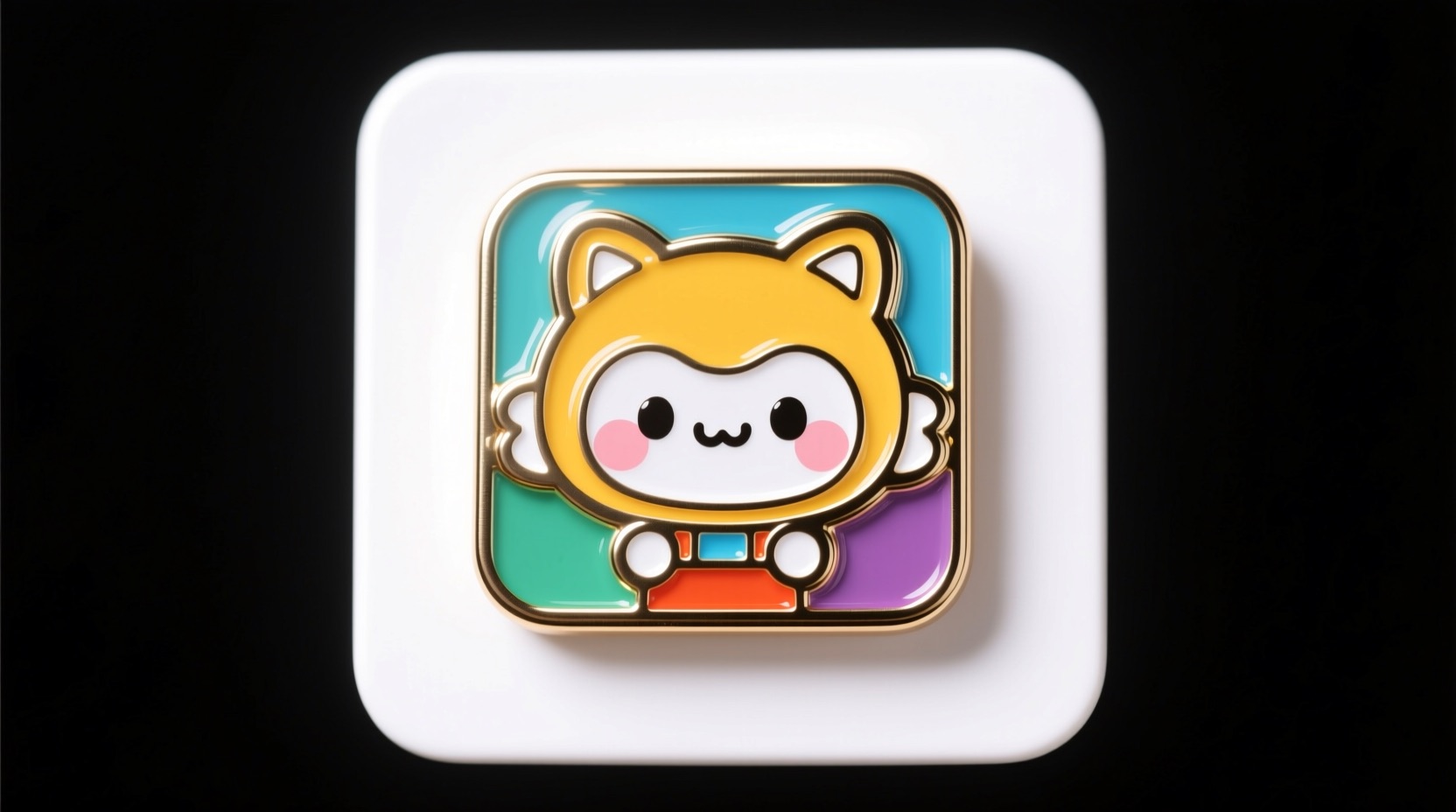
Kawaii Pin: AI photo template
Turn the subject in the attached image into a kawaii enamel pin. Use glossy metal outlines and vibrant enamel fill. No extra added features. Square mockup format. White background.
How to make it
- Open the Kawaii Pin template in Omni Banana and add up to 4 photos.
- Keep the ready-made prompt, or change it to say what you want.
- Choose a model, such as Nano Banana 2, Nano Banana Pro or GPT Image 2.5, and press Generate.
Style
- Pins & Badges
- Landscape
- Customizable
The prompt
Turn the subject in the attached image into a kawaii enamel pin. Use glossy metal outlines and vibrant enamel fill. No extra added features. Square mockup format. White background. High quality, vector art, enamel pin design.
More templates
- Emoji Popsicle: Create emoji cream popsicle
- Steampunk: Create steampunk mechanical fish
- Surreal Pop: Create surreal underwater scene popsicle
- Silk Universe: Transform the {} into a soft 3D object with a silk texture
- Ultra Game: Create ultra-realistic 3d game
- Future Card: Create futuristic logo trading card
- Silhouette Art: The silhouette of a basic outline of a [PROMPT]
- Pokemon: Create an original creature inspired by this object (photo provided)