
Lighting Control
Professional lighting adjustment and effects. An AI photo template in your browser.
Opening your studio…
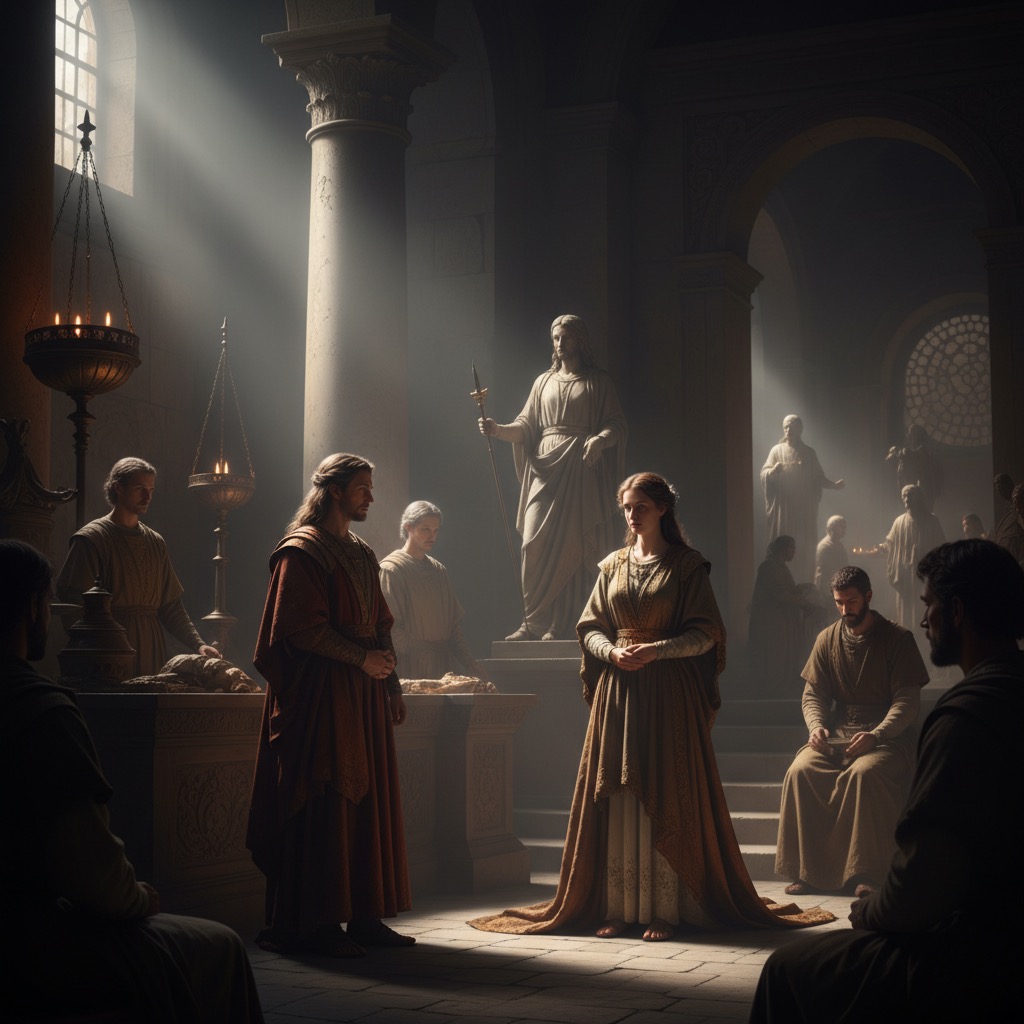
Lighting Control: AI photo template
Enhance photos with professional lighting techniques, shadows, highlights, and atmospheric effects for dramatic improvement.
How to make it
- Open the Lighting Control template in Omni Banana and add up to 4 photos.
- Keep the ready-made prompt, or change it to say what you want.
- Choose a model, such as Nano Banana 2, Nano Banana Pro or GPT Image 2.5, and press Generate.
Style
- Lighting Effects
- Photo Enhancement
- Professional Photography
The prompt
Enhance this image with professional lighting control. Adjust highlights, shadows, and midtones. Add dramatic lighting effects, improve contrast, and create depth. Maintain natural appearance while enhancing visual impact and mood. Cinematic lighting, 8k, masterpiece.
More templates
- Clothing Change: Replace character clothing with reference
- Story Board: Create movie storyboard sequences
- Pose Direct: Direct character to look straight ahead
- Studio Pose: Professional studio pose transfer
- Text Watermark: Add repeating text watermarks
- Red Annotation: Add red pen improvement annotations
- Explosive Product: Dynamic product photography with ingredients
- Expression Transfer: Transfer facial expressions between characters