
Passport Stamp
Create a realistic passport page with an entry stamp for [{City}, {Country}]. An AI photo template in your browser.
Opening your studio…
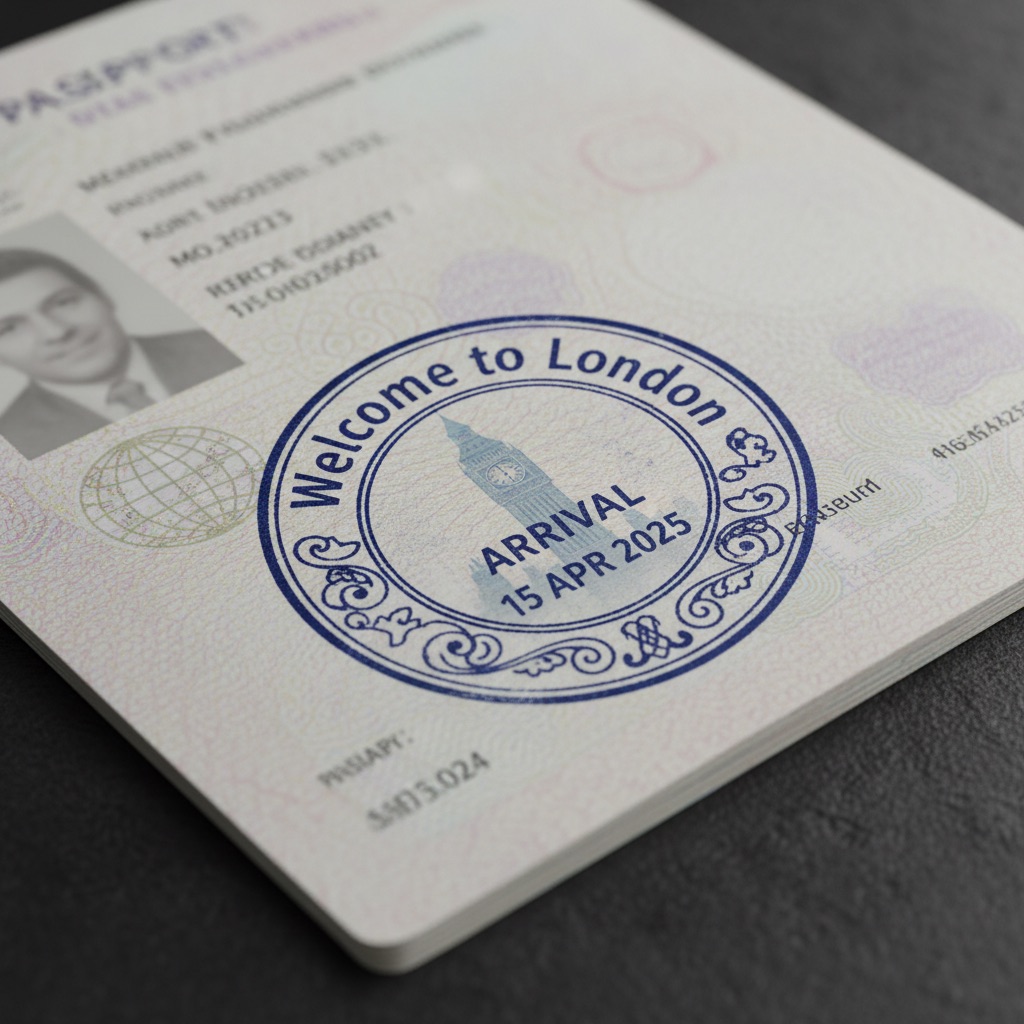
Passport Stamp: AI photo template
Create a realistic passport page with an entry stamp for [{City}, {Country}]. The stamp should say "Welcome to {City}" in bold English, designed in a round or oval shape with decorative borders. Inclu...
How to make it
- Open the Passport Stamp template in Omni Banana and add up to 4 photos.
- Keep the ready-made prompt, or change it to say what you want.
- Choose a model, such as Nano Banana 2, Nano Banana Pro or GPT Image 2.5, and press Generate.
Style
- Typography
- Landscape
- Customizable
The prompt
Create a realistic passport page with an entry stamp for [{City}, {Country}]. The stamp should say "Welcome to {City}" in bold English, designed in a round or oval shape with decorative borders. Include the word "ARRIVAL" and a fictional date like "15 APR 2025" Incorporate a subtle silhouette of {Main Landmark} as a background detail within the stamp. Use deep blue or red ink with light smudges for added realism. The stamp should appear slightly angled, as if hand-pressed. The passport page should show visible paper texture and security patterns. High quality, realistic texture, detailed design.
More templates
- Paper Emoji: A paper craft-style "" floating on a pure white background
- Emoji Cushion: Create emoji inflatable cushion
- Ordinary: Create extremely ordinary iphone selfie
- Plant Planter: Create cute plant planter
- Mini Building: Create miniature 3d building
- Pixel Icon: Create a minimalist 8-bit pixel logo of [], centered on a pure white background
- Vector Poster: Create colorful vector art poster
- Emoji Rug: Create emoji tufted rug