
Pixar 3D
Transform photo into Pixar 3D style character. An AI photo template in your browser.
Opening your studio…
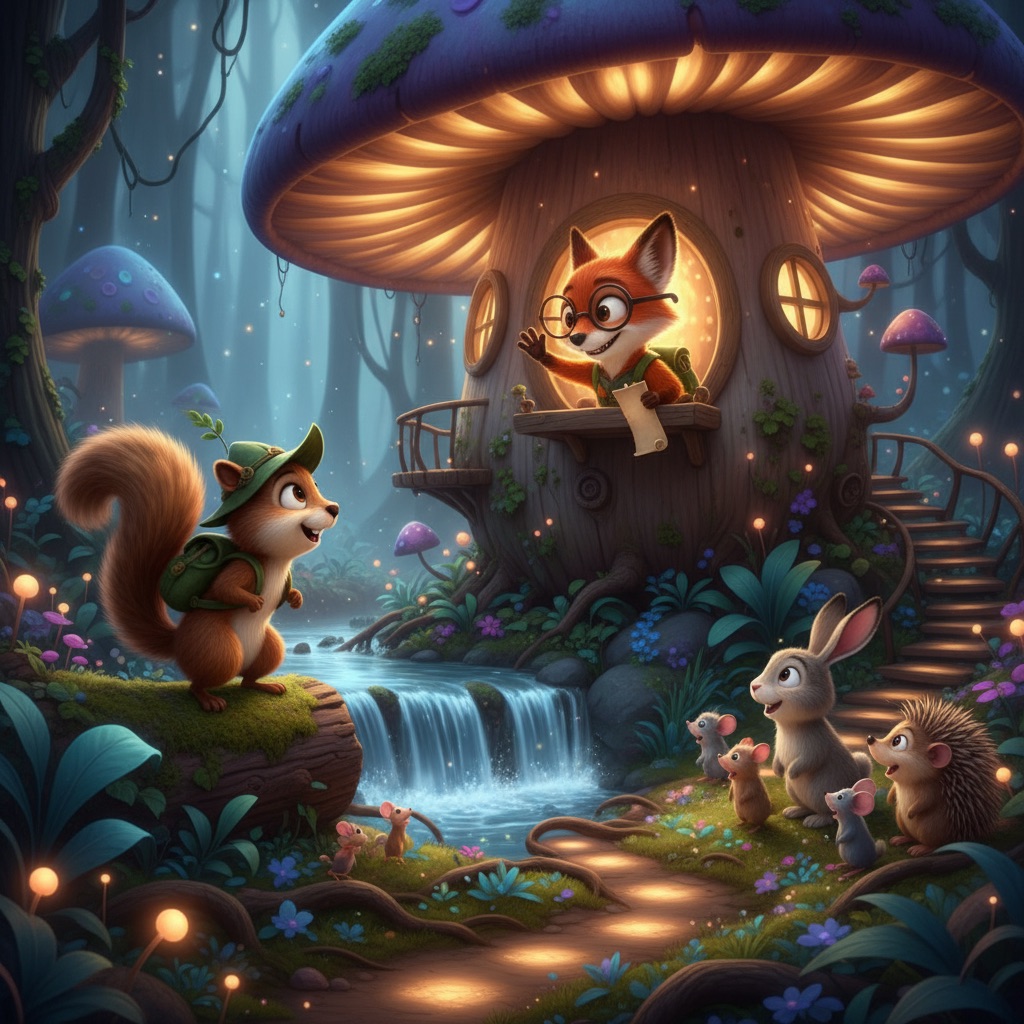
Pixar 3D: AI photo template
Convert this image into a Pixar-style 3D animation character. Use soft lighting, rounded features, and expressive eyes.
How to make it
- Open the Pixar 3D template in Omni Banana and add up to 4 photos.
- Keep the ready-made prompt, or change it to say what you want.
- Choose a model, such as Nano Banana 2, Nano Banana Pro or GPT Image 2.5, and press Generate.
Style
- 3D Rendering
- Cartoon Style
- Customizable
The prompt
Convert this image into a Pixar-style 3D animation character. Use soft lighting, rounded features, and expressive eyes. Pixar-style 3D render, Disney animation aesthetic, subsurface scattering, 8k, cinematic lighting.
More templates
- Country Diorama: Create country diorama in a toy box
- Action Together: Create action figure and real person in the same frame
- Chibi Stickers: Create chibi character sticker pack
- XHS Cover: Create xiaohongshu cover image
- Titanic Pose: Create "titanic" pose parody
- Funko Pop: Create funko pop figure creation
- Cereal Ad: Create famous painting character cereal ad
- Q Emoji: Create q-version emoji sticker pack creation