
Silhouette
Create blurred silhouette behind frosted glass. An AI photo template in your browser.
Opening your studio…
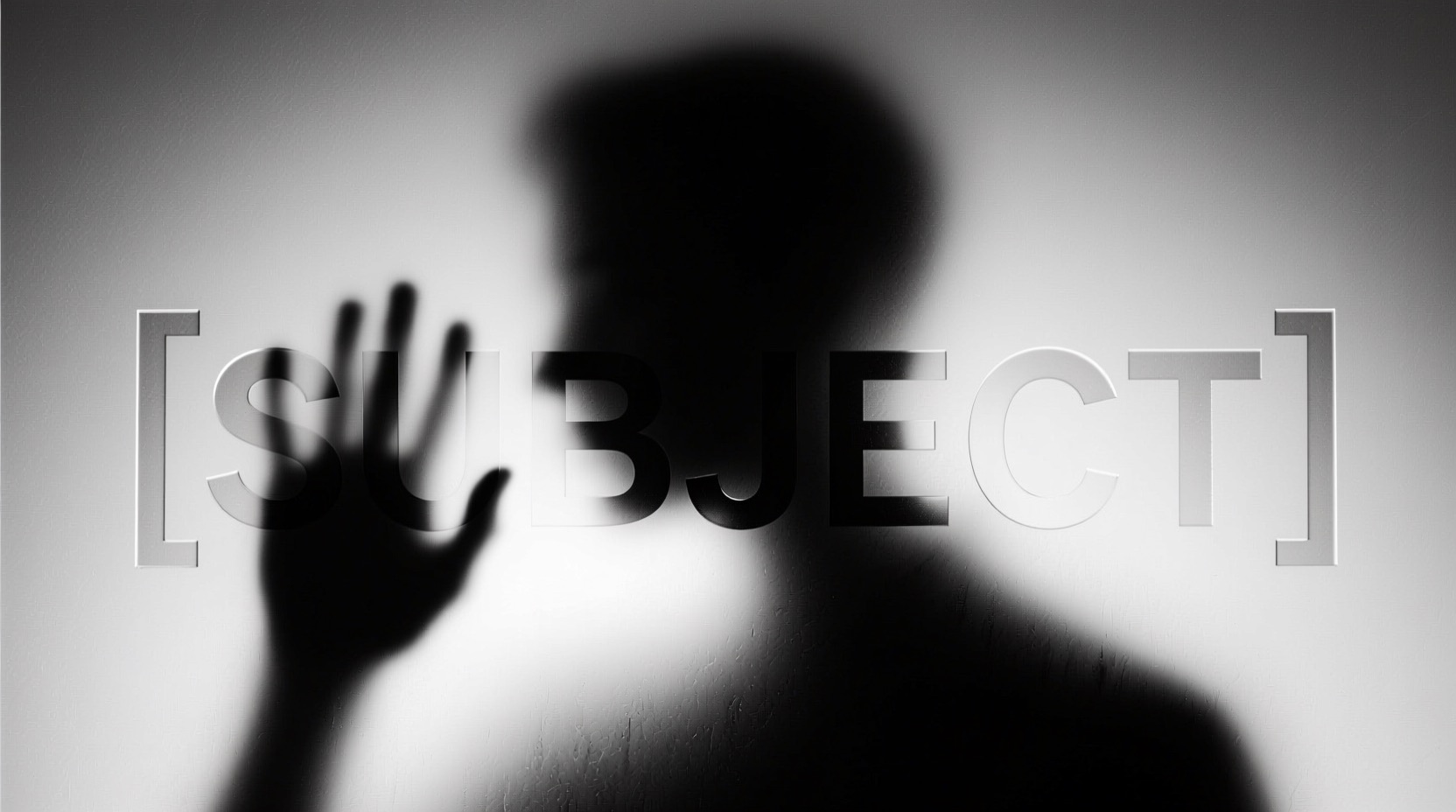
Silhouette: AI photo template
A black and white photograph shows the blurred silhouette of a [SUBJECT] behind a frosted or translucent surface. The [PART] is sharply defined and pressed against the surface, creating a stark contra...
How to make it
- Open the Silhouette template in Omni Banana and add up to 4 photos.
- Keep the ready-made prompt, or change it to say what you want.
- Choose a model, such as Nano Banana 2, Nano Banana Pro or GPT Image 2.5, and press Generate.
Style
- Landscape
- Customizable
- Artistic
The prompt
A black and white photograph shows the blurred silhouette of a [SUBJECT] behind a frosted or translucent surface. The [PART] is sharply defined and pressed against the surface, creating a stark contrast with the rest of the hazy, indistinct figure. The background is a soft gradient of gray tones, enhancing the mysterious and artistic atmosphere.
More templates
- Black Art: Create black and white portrait art
- Corporate Headshot: Create professional corporate headshot
- Ad Doodle: Create creative ad with real object and hand-drawn doodle
- Product Photo: Create professional product shots with clean backgrounds and commercial lighting
- Social Creator: Generate engaging social media content from your products
- Avatar Studio: Create professional AI avatars for business and creative use
- Context Switcher: Flexibly change backgrounds, settings, and contexts in images
- Illustration Figure: Transform illustrations into character figures