
Sketch Control
Control poses with hand sketches. An AI photo template in your browser.
Opening your studio…
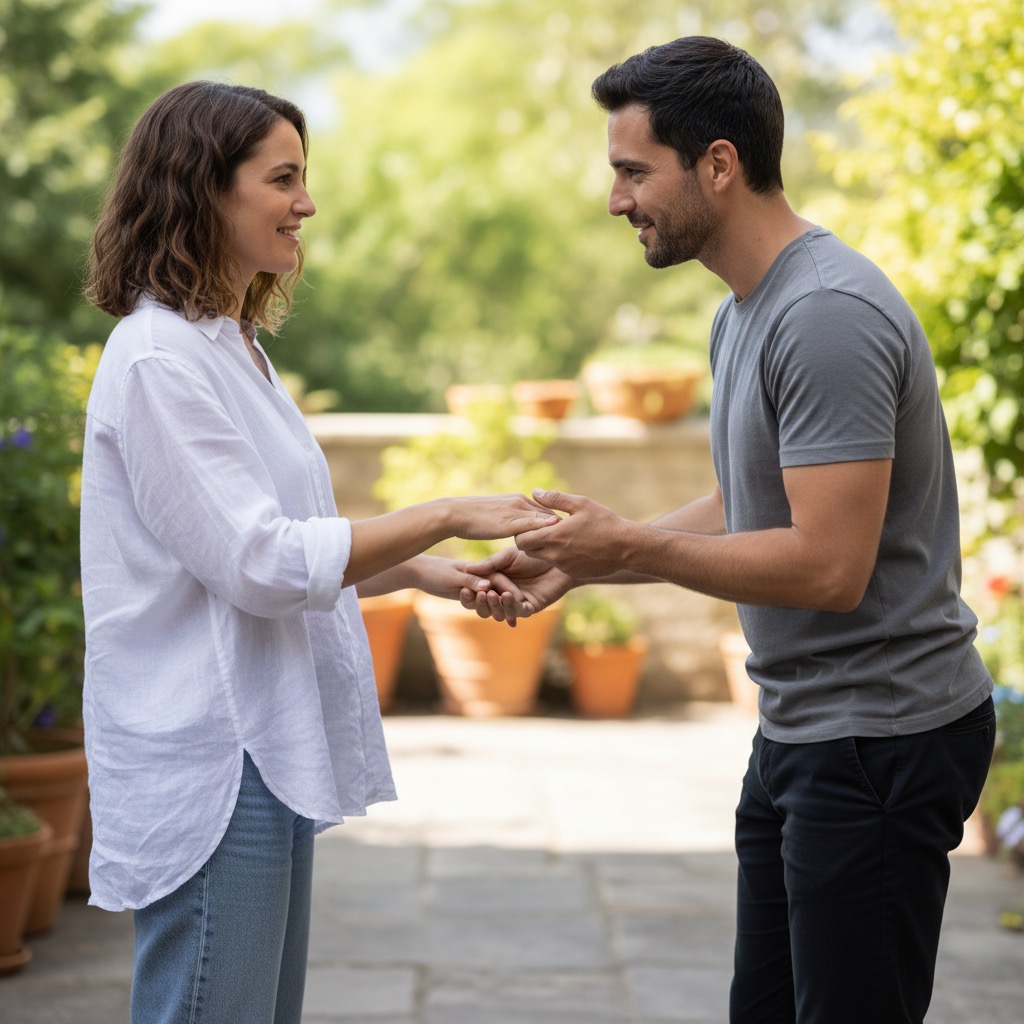
Sketch Control: AI photo template
Use hand-drawn sketches to control character poses and interactions.
How to make it
- Open the Sketch Control template in Omni Banana and add up to 3 photos.
- Keep the ready-made prompt, or change it to say what you want.
- Choose a model, such as Nano Banana 2, Nano Banana Pro or GPT Image 2.5, and press Generate.
Style
- Sketch Control
- Pose Editing
- Character Design
The prompt
Convert the photo into a hand-drawn sketch. Use pencil or charcoal textures to create an artistic and expressive look. High quality, artistic sketch, pencil texture, detailed shading. Transform the sketch guidance into realistic character positioning while maintaining natural proportions.
More templates
- View Convert: Convert between different viewpoints
- Sticker Maker: Create custom character stickers
- Anime Cosplay: Convert anime to real cosplay photos
- Design Sheet: Generate character design sheets
- Color Palette: Color line art with specific palettes
- Article Visual: Convert articles to infographics
- Hairstyle Grid: Generate multiple hairstyle variations
- Marble Sculpture: Transform into marble sculpture art