
Anime Figure
Anime-style figure on desktop. An AI photo template in your browser.
Opening your studio…
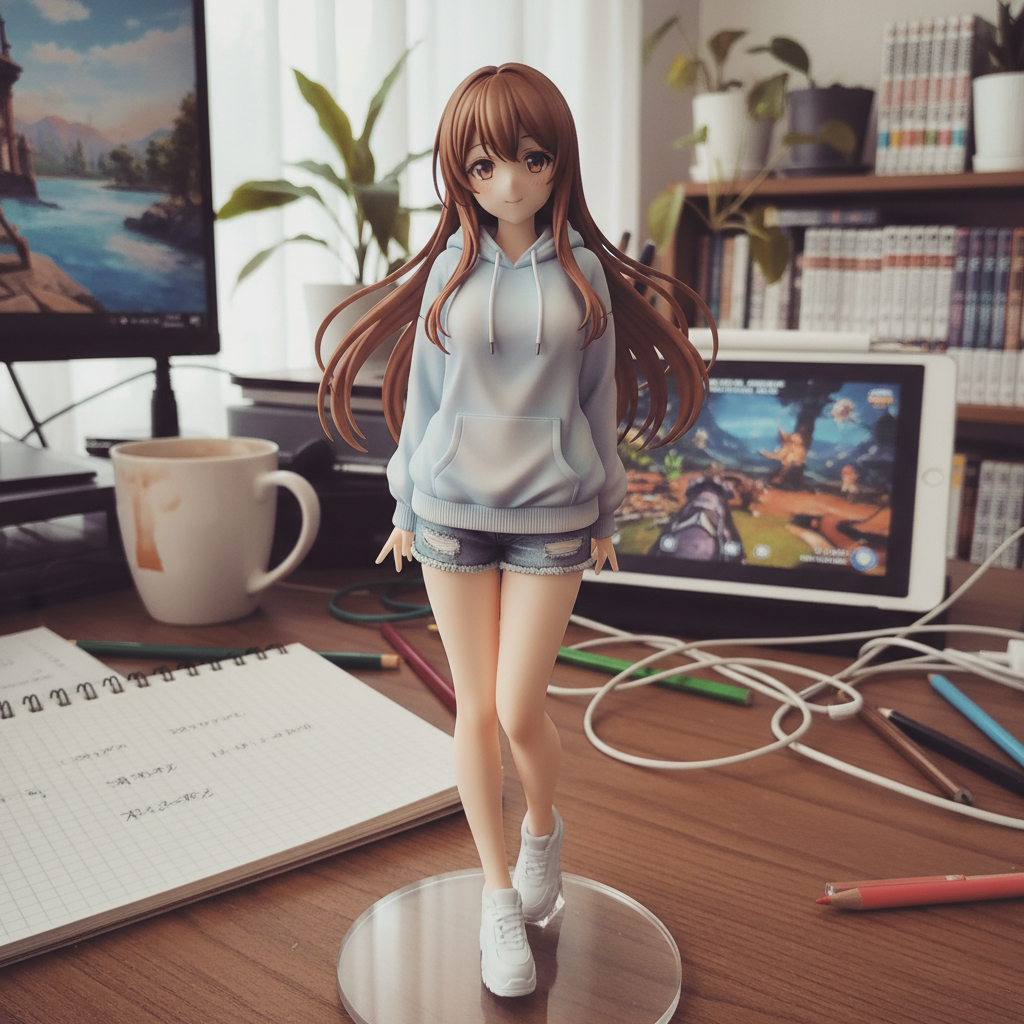
Anime Figure: AI photo template
Anime-style figure on desktop.
How to make it
- Open the Anime Figure template in Omni Banana and add a photo.
- Keep the ready-made prompt, or change it to say what you want.
- Choose a model, such as Nano Banana 2, Nano Banana Pro or GPT Image 2.5, and press Generate.
Style
- Anime Style
- 3D Figure
- Casual Snapshot
- Soft Gradient Colors
- Detailed Textures
- Japanese Aesthetic
The prompt
Generate an anime-style figure photo placed on a desktop, presented from a casual, everyday snapshot perspective as if taken with a mobile phone. The figure model is based on the attached character photo, accurately reproducing the full body posture, facial expression, and clothing style of the person in the photo, ensuring the entire figure is fully rendered. The overall design is exquisite and detailed, with hair and clothing featuring natural, soft gradient colors and fine textures. The style leans towards Japanese anime, rich in detail, with realistic textures and a beautiful appearance.
More templates
- Photo Restore: Restore and enhance old damaged photos
- Portal Step: Create character stepping through portal
- Wedding Photo: Transform the people in the photo into chibi-style 3D characters
- 3D Breakout: Create 3d polaroid breakout effect
- Animal Rest: Create an image of a cute chibi-style silicone wrist rest based on the {} emoji
- Cloud Art: Create cloud art
- Retro Poster: A retro-style promotional poster emphasizing bold Chinese text
- CN Wedding: Create 3d chibi chinese wedding scene