
Line to Photo
Convert line drawings into photorealistic images. An AI photo template in your browser.
Opening your studio…
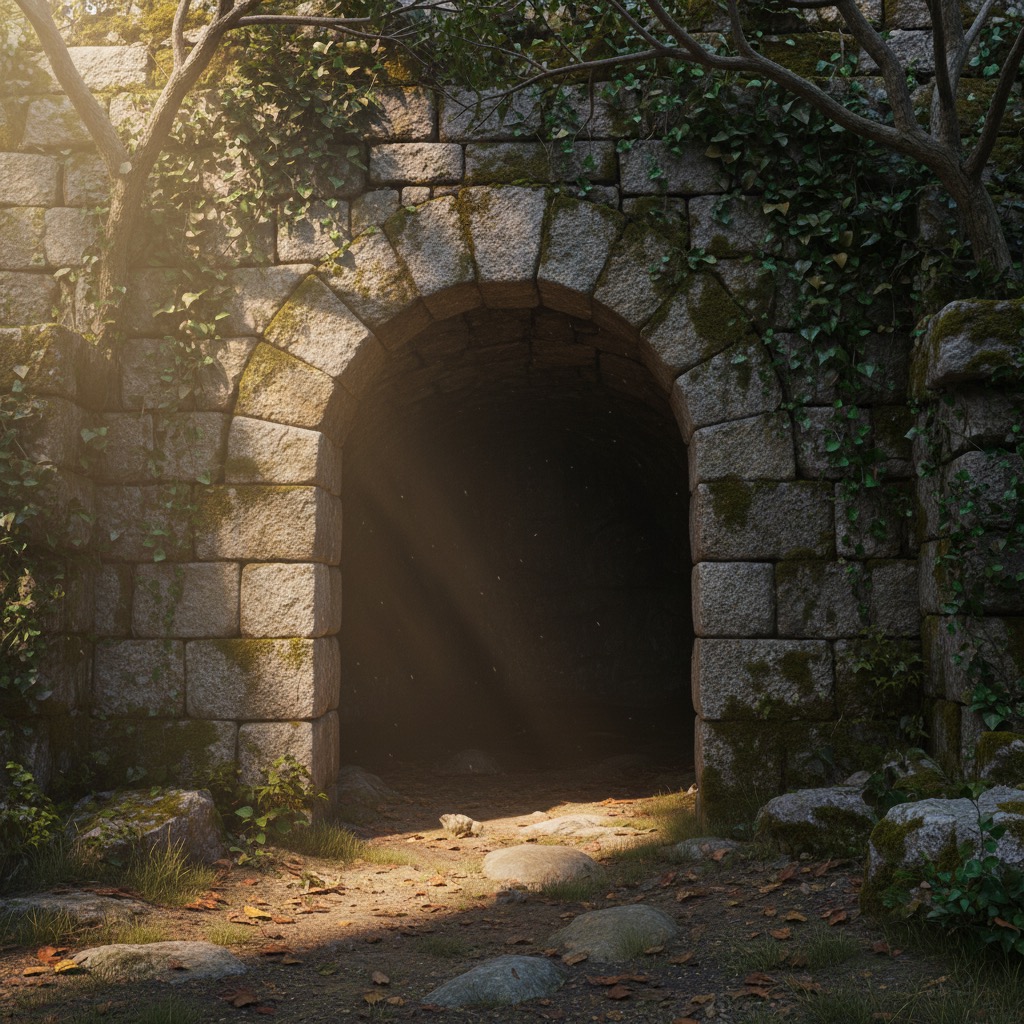
Line to Photo: AI photo template
Transform simple line drawings and sketches into detailed, photorealistic images with proper lighting, textures, and colors.
How to make it
- Open the Line to Photo template in Omni Banana and add up to 3 photos.
- Keep the ready-made prompt, or change it to say what you want.
- Choose a model, such as Nano Banana 2, Nano Banana Pro or GPT Image 2.5, and press Generate.
Style
- Line Art
- Sketch to Photo
- Photorealistic
The prompt
Convert this line drawing into a photorealistic image. Add realistic textures, proper lighting, natural colors, and environmental details. Maintain the original composition while adding depth, shadows, and realistic materials. 8k, photorealistic, highly detailed.
More templates
- Action Figure: Transform people into collectible action figures
- Isometric Building: Create isometric architectural models
- Product Package: Design professional product packaging
- Comic Layout: Transform photos into comic book panels
- Illustration Real: Convert illustrations to realistic photos
- Pose Editor: Change character poses and expressions
- Typography Art: Create artistic typography illustrations
- Lighting Control: Professional lighting adjustment and effects