
Multi Reference
Combine multiple reference images. An AI photo template in your browser.
Opening your studio…
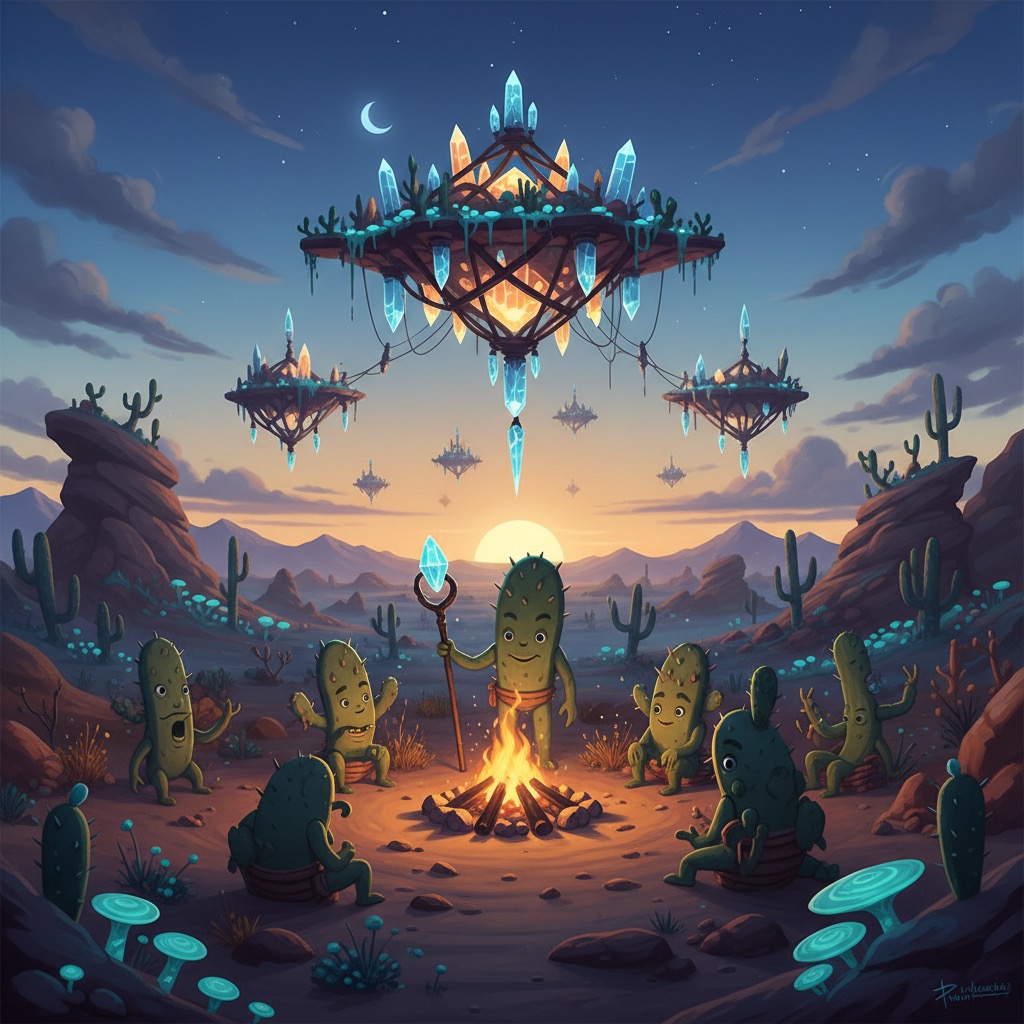
Multi Reference: AI photo template
Generate complex scenes using multiple reference images for different elements.
How to make it
- Open the Multi Reference template in Omni Banana and add up to 2 photos.
- Keep the ready-made prompt, or change it to say what you want.
- Choose a model, such as Nano Banana 2, Nano Banana Pro or GPT Image 2.5, and press Generate.
Style
- Multi-Image Fusion
- Complex Scenes
- Reference Combination
The prompt
Combine elements from multiple reference images into a cohesive scene. Merge styles, objects, and compositions naturally. Maintain consistency in lighting and perspective. High quality, seamless blend, professional composition.
More templates
- Auto Enhance: Automatic professional photo editing
- Sketch Control: Control poses with hand sketches
- View Convert: Convert between different viewpoints
- Sticker Maker: Create custom character stickers
- Anime Cosplay: Convert anime to real cosplay photos
- Design Sheet: Generate character design sheets
- Color Palette: Color line art with specific palettes
- Article Visual: Convert articles to infographics