
Vintage Colorize
Colorize historical black and white photos. An AI photo template in your browser.
Opening your studio…
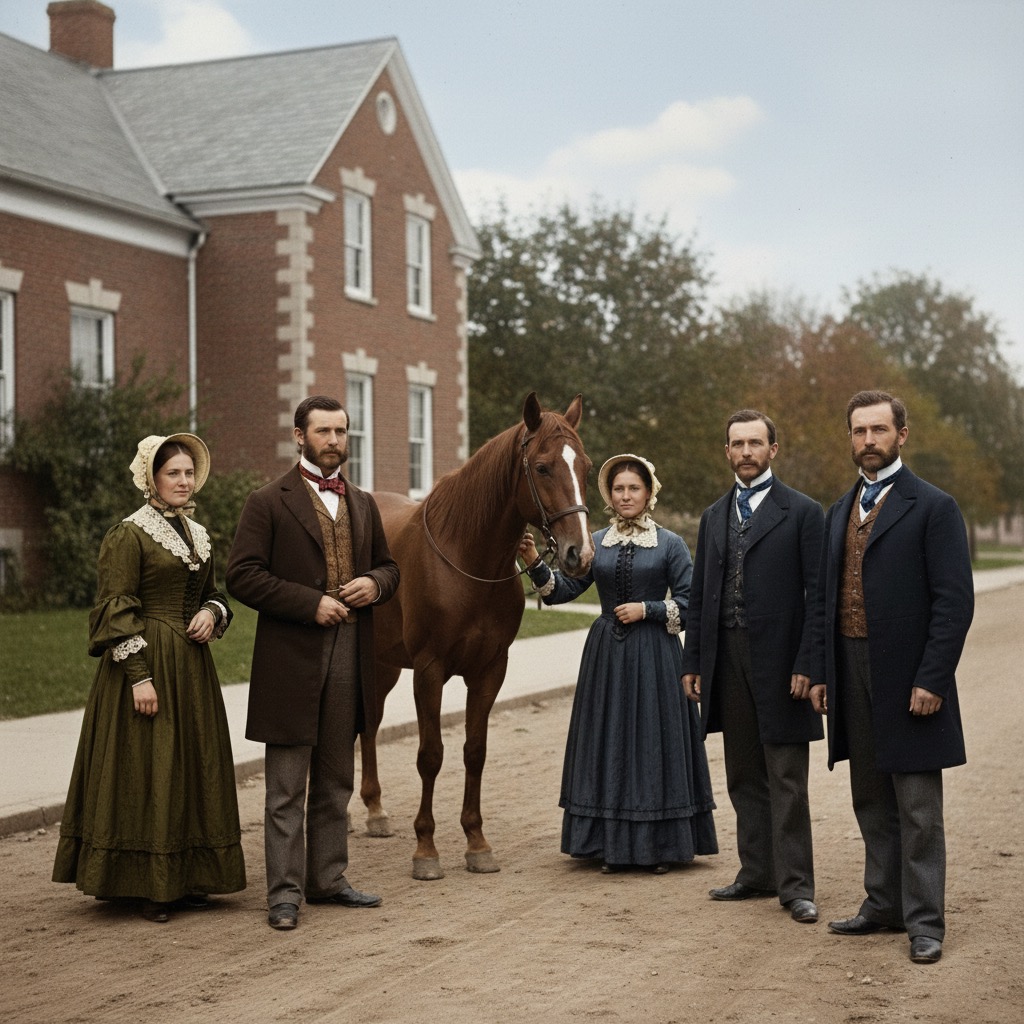
Vintage Colorize: AI photo template
Restore and colorize vintage photographs with historically accurate colors.
How to make it
- Open the Vintage Colorize template in Omni Banana and add up to 4 photos.
- Keep the ready-made prompt, or change it to say what you want.
- Choose a model, such as Nano Banana 2, Nano Banana Pro or GPT Image 2.5, and press Generate.
Style
- Photo Enhancement
- Color Correction
- Historical Photos
The prompt
Colorize this black and white photograph with realistic colors. Preserve the historical authenticity and original mood. Use natural skin tones, accurate clothing colors for the time period, and realistic environmental colors. Maintain the original contrast and detail quality. High quality, authentic colors, 8k.
More templates
- Multi View: Generate multiple perspective views of objects
- Line to Photo: Convert line drawings into photorealistic images
- Action Figure: Transform people into collectible action figures
- Isometric Building: Create isometric architectural models
- Product Package: Design professional product packaging
- Comic Layout: Transform photos into comic book panels
- Illustration Real: Convert illustrations to realistic photos
- Pose Editor: Change character poses and expressions